
Overview
Mercor provides expert email addresses to facilitate secure access to project resources. These email addresses are designated for accessing project-mandated tools, documents, and communications.Experts who previously had access to the @c-mercor.com email will retain access to both email addresses for a transitional period to facilitate content migration.
This page explains what it is and how it works.
What Is the Mercor Expert Email?
The Mercor Expert Email (@mercor.expert) represents a newly established Google Workspace account designated for experts working Mercor projects.
It is utilized to securely access:
- Google Docs, Sheets, and Drive;
- Facilitate project-related internal communications;
- Access tools that necessitate identity verification.
Important: Contractor Email and Okta Are Different
Key Distinction
What Is Changing and What Is Remaining Unchanged
What’s New
• Access managed through Okta
• Secure Google Workspace access
What’s Not Changing
• Slack, Insightful, Stripe, Feather, and other tools are unaffected
Your New Email Address
Your new email will not include your actual name. Instead, it is an anonymized, randomly generated address composed of scientific or nature-related terminology, for instance:ruther.tianguan@mercor.expert
The anonymized format safeguards your identity while maintaining consistent access across various tools.
- Reviewing your Slack profile
- Accessing the Google Workspace application in Okta
How to Access Your Mercor Expert Email
1. Sign in to Okta
2. Open Google Workspace
3. Verify if prompted
What You Should Do
Access Your New Account
Move Personal Materials Only
Create New Work Here
Keep Old Access Temporarily
Transition & Deprecation
- Access via @c-mercor.com will be deprecated after a transition period.
- A clear sunset date will be announced at least one week in advance.
- Once deprecated, old access methods will be disabled.
Troubleshooting: Google “400. That’s an error.”
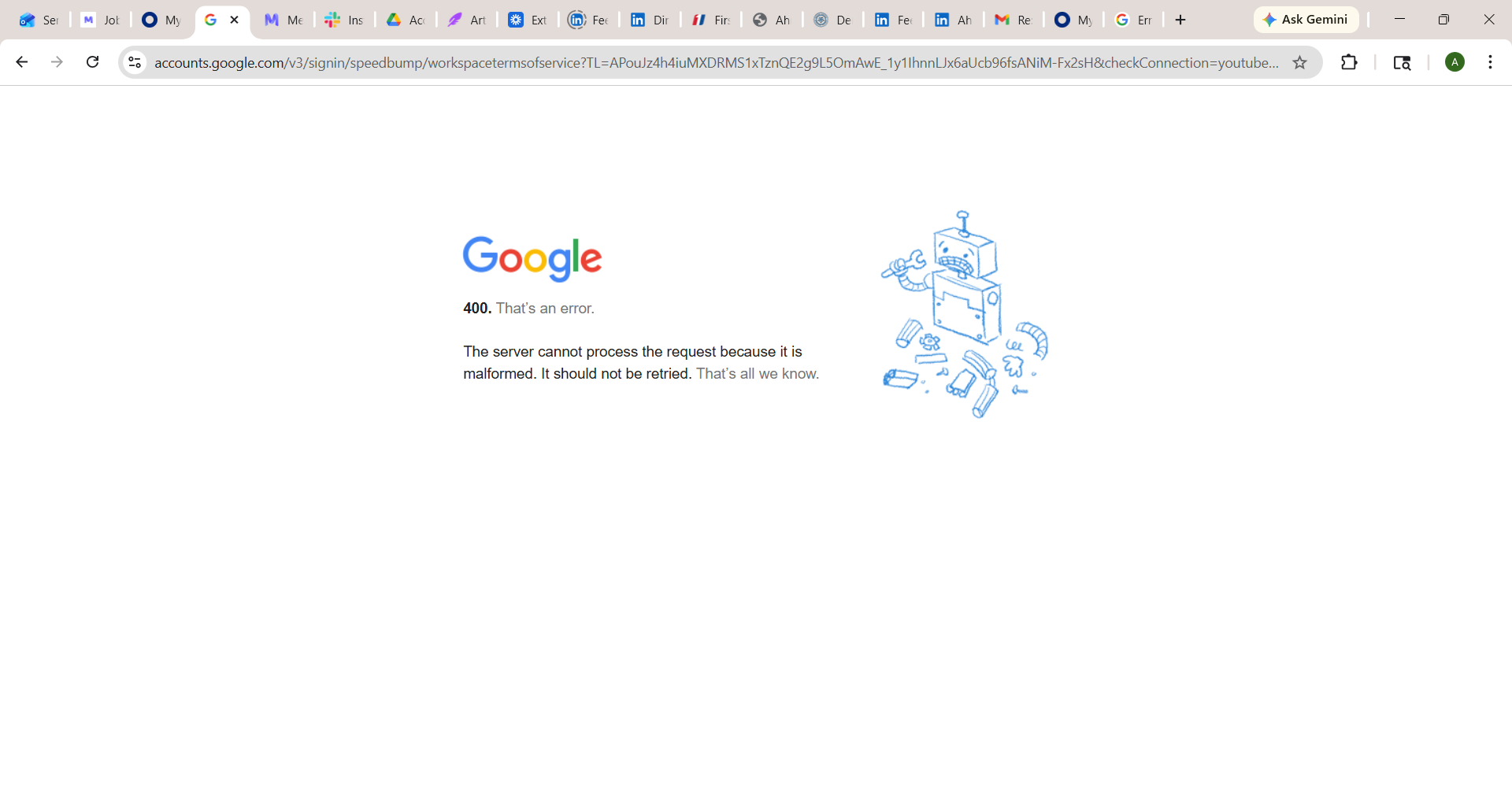
Google 400 error displayed when opening your @mercor.expert mailbox through Okta.
How to fix it
Clear cookies and cache for Google and Okta
accounts.google.com, google.com, and okta.com.- Chrome:
Settings → Privacy and security → Cookies and other site data → See all site data and permissions→ search each domain → Remove. - Safari:
Settings → Privacy → Manage Website Data→ search each domain → Remove.
Fully quit and reopen the browser
Sign out of other Google accounts
accounts.google.com and sign out of every Google account in that browser. Having a personal Gmail signed in alongside @mercor.expert is the #1 trigger for this error.Reopen Google Workspace from Okta
https://c-mercor.okta.com, sign in with your personal email, then click the Google Workspace tile again.Quick checklist
Clear Google + Okta cookies
Fully restart the browser
Sign out of other Google accounts
Try the other browser
Frequently Asked Questions
Do all experts need to use the Mercor Expert Email?
Do all experts need to use the Mercor Expert Email?
Why is my email name strange or unfamiliar?
Why is my email name strange or unfamiliar?
Can I change my Mercor Expert email name?
Can I change my Mercor Expert email name?
Can I send emails externally using this account?
Can I send emails externally using this account?
Will this affect Slack, Insightful, Feather or any other tool?
Will this affect Slack, Insightful, Feather or any other tool?
Even if you can see the expert email on your Slack profile, you will use your personal email to sign in to Okta, then access Slack through Okta.
Should I use this email for all Mercor work going forward?
Should I use this email for all Mercor work going forward?
Can I keep using my @c-mercor.com account for now?
Can I keep using my @c-mercor.com account for now?
What will happen to the files in my @c-mercor.com Google Drive?
What will happen to the files in my @c-mercor.com Google Drive?
Can I migrate bookmarks, Chrome profiles, or extensions?
Can I migrate bookmarks, Chrome profiles, or extensions?
What happens if I miss the transition deadline?
What happens if I miss the transition deadline?
How long will I have access to my @mercor.expert email?
How long will I have access to my @mercor.expert email?